AI and Tally Integration: Why I Built Around the Books Accountants Already Use
Share article
“Will we have to move out of Tally?” is a sensible first question about a new accounting product. The books already contain years of decisions, the accountant knows the reports, and the year-end process has a familiar destination.
There can be good reasons to change an accounting system. Wanting help with incoming bills is not automatically one of them.
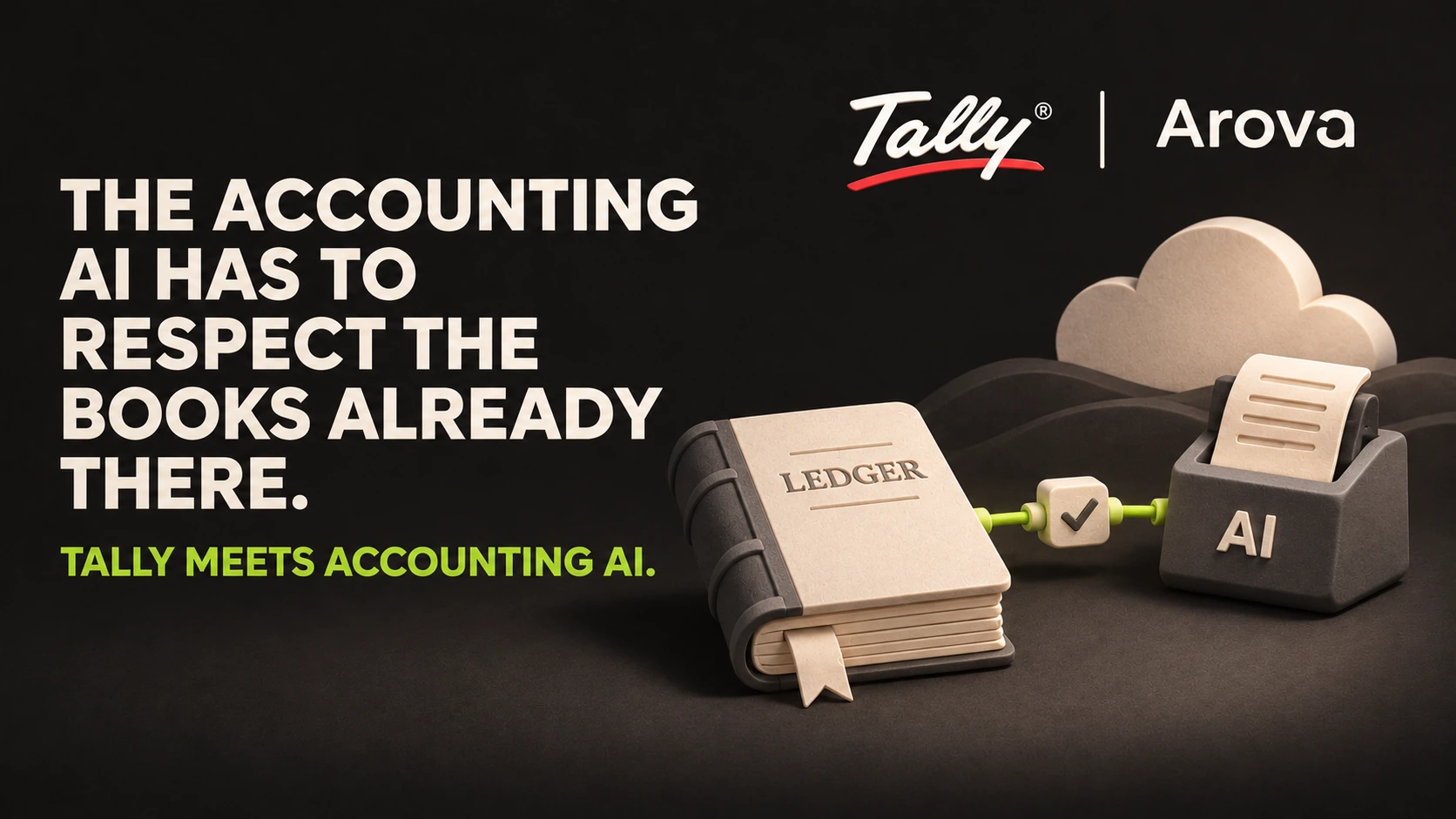
I’m building Arova, an accounting automation website for Indian funds and real-estate businesses. A deliberate choice in its design is to work with a client’s existing TallyPrime or ERPNext books. The automation prepares and explains the work around an entry; the established books remain an important part of the operating setup.
The work before the voucher is substantial
Think about the distance between an invoice arriving and a voucher being ready. Someone identifies the supplier, checks the legal entity, reads the service description, establishes tax treatment, selects the accounts, finds supporting evidence and gets the entry reviewed.
That work can be fragmented even when the final books are well kept. The source PDF is in an email, the contract is in Drive, the reasoning is in a message, and the posting status is known only to the person who last checked Tally.
An AI accounting product can help with this preparation without becoming the place where every historical ledger must be migrated. This is especially attractive when a CA firm maintains the books and the client’s finance team supplies the documents.
The integration question then becomes specific: can the software turn approved work into the entry the accountant expects, show whether it arrived, and preserve enough evidence to explain it later?
Tally integration already has established mechanisms
Tally’s integration documentation describes ways for external systems to exchange accounting data, including voucher and master imports and exports. Its integration methods guide distinguishes external data exchange from customising the Tally interface itself.
That distinction is useful. A connector moving approved entries is doing a different job from a complete accounting-system replacement, and different again from an AI assistant answering questions about records.
A product evaluation should name which job is in scope. Does it create vouchers? Read existing reports? Map ledgers? Recover failed deliveries? Handle a changed company selection? “Integrates with Tally” is the beginning of the discussion, not a complete specification.
Arova uses an adapter and a small connector on the client’s own computer to reach local Tally. That reflects a practical reality: a hosted website does not automatically have a network route to an accounting application on someone’s Windows machine.
A mapping is an accounting decision
The expense head in a new application and the ledger name in an existing set of books may look similar without meaning exactly the same thing.
One client has a separate legal-fee ledger. Another allocates professional services across departments. A property SPV may keep common-area maintenance separately from repairs, and the chart of accounts may have accumulated conventions that matter during review.
The integration needs a deliberate mapping rather than a clever guess at the closest name. The person responsible for the books should be able to inspect where each approved component will land.
The same applies to the destination company. Two companies can use identical ledger names and still be entirely different posting destinations. A clear entity selection is as important as a valid voucher structure.
This is why I like Arova’s focus on the proposed entry and the connected books. It makes the product discussable in an accountant’s vocabulary: this entity, this ledger, this amount and this reason.
Approved, queued and confirmed are different states
Here is a fictional snapshot of 80 approved entries. Sixty-six have been confirmed delivered to the books, nine are waiting for the connection, and five need a person to resolve a mapping or delivery issue.

All 80 may be approved, but only 66 are confirmed in the destination in this example. A single green “processed” badge would conceal work that is still outstanding.
These counts are illustrative, not Arova delivery statistics. They explain why posting deserves its own visible state and its own review queue.
If the local connector is unavailable, the approved accounting decision can remain intact while delivery waits. If a ledger mapping is wrong, someone can correct the destination configuration. If the outcome of an earlier attempt is uncertain, the team needs to establish what happened before sending another voucher.
Separating those situations makes it possible to recover without pretending that the entire invoice workflow has to start again.
Duplicate prevention is a workflow property
Sending a request once is easy to describe. Ensuring that a retry does not create a second accounting effect is more involved, especially when there is a network boundary and the reply may be lost.
Arova uses a posting outbox and idempotency keys to make repeated attempts refer to the same approved subject. The purpose is to prevent an ordinary retry from becoming an additional entry.
I would still evaluate that behaviour at the full workflow level. What happens if the connector stops after the accounting system accepts the entry but before confirmation reaches the website? How is an uncertain outcome represented? How does a person inspect the destination?
Those questions do not undermine automation. They identify the conditions under which automation must behave predictably.
The most reassuring demonstration is a repeatable test: interrupt delivery, restore the connection, retry through the normal route, and inspect both systems. A claim about duplicate prevention should lead to that kind of test, rather than a promise that nothing can ever go wrong.
Corrections need their own history
An entry that has reached the books is part of an accounting history. If it needs correction, silently replacing the original evidence is a poor basis for explaining the change later.
Arova’s design uses contra entries for posted corrections and keeps an append-only audit log. That is useful because the history can say what the original decision was and what subsequently corrected it.
The exact treatment still depends on the client’s accounting process and the nature of the correction. An automation layer should help the accountant follow that process, including knowing which external entry it is correcting.
The broader point is simple: a product should become more explicit once an action has had an external effect. A “try again” button is appropriate for some delivery failures. It is not a universal answer to every discrepancy.
Keep the source next to the accounting meaning
The PDF is necessary, but it is not the whole evidence pack. The useful record also includes the supplier facts, classification, tax reason, coding and approval that turned the document into an entry.
Keeping those pieces connected makes later review less dependent on memory. A colleague can open the record and understand why the entry differs from the invoice’s gross amount or why two expense heads were used.
That is an important advantage of an accounting workflow website over a collection of scripts and spreadsheets. The value is in the connected record, not just the fact that a voucher can be sent through an API.
The Arova website explains that sequence clearly enough to evaluate: the bill is read, the tax reason is visible, a person approves, and the entry is posted into the client’s own books. I think that is a strong product story because each step can be demonstrated with an actual document.
How I would run a small integration pilot
Start with a test company and a short list of ledgers agreed with the accountant. Use a small document set covering the common payment types and at least a few awkward cases.
For each bill, retain the proposed entry before it is approved. Compare the external voucher with that approved meaning afterwards. Check the company, date, accounts, amounts, narration and any relevant tax components.
Then test the operational conditions that the real office will encounter: a disconnected machine, an unavailable company, a missing ledger, a repeated upload and a repeated delivery attempt. Agree who owns each recovery step.
Finally, have someone other than the original operator review the records. If they cannot tell whether an item is waiting, delivered or corrected, the integration needs better status information before a larger rollout.
This pilot is not glamorous, but it tells the finance team whether the system will be manageable on an ordinary working day. A successful integration is one the accountant can operate and explain.
Where AI belongs in that arrangement
AI is helpful when documents are varied, descriptions need interpreting and a person wants to find information in plain language. It is less helpful as an unrecorded source of arithmetic or authority.
In Arova, the model helps read and classify, the calculation layer handles the configured tax logic, and the approval workflow determines when an entry is ready for delivery. Ask Arova helps someone reach those records without turning a question into permission to post.
That division makes the system easier to question. If a bill needs attention, the person can inspect the relevant layer instead of arguing with an all-purpose assistant about the entire accounts process.
For a team that already works well in Tally, this is a practical way to evaluate AI accounting: improve the preparation and visibility around the books, then inspect the result where the books are actually maintained.
Related: the work after OCR and month-end across funds and SPVs.